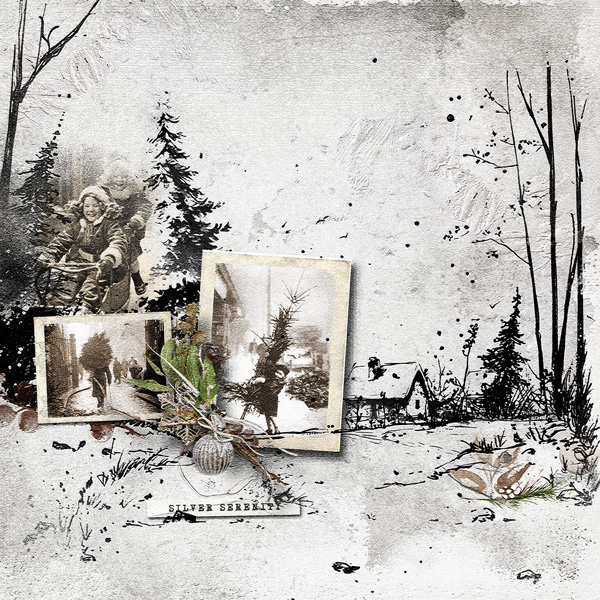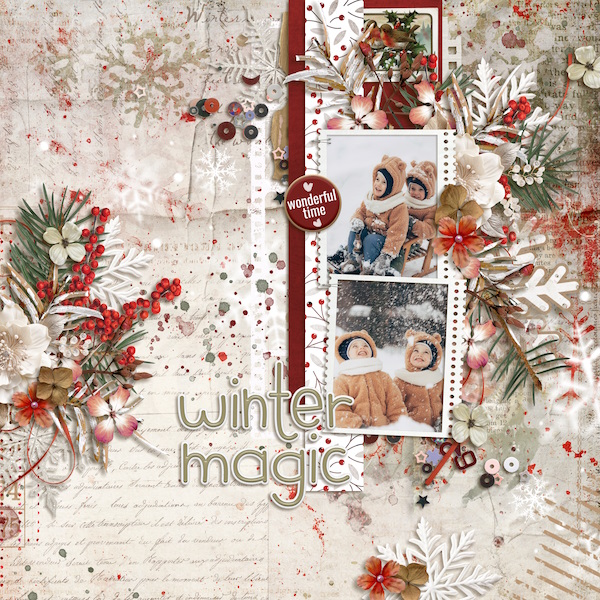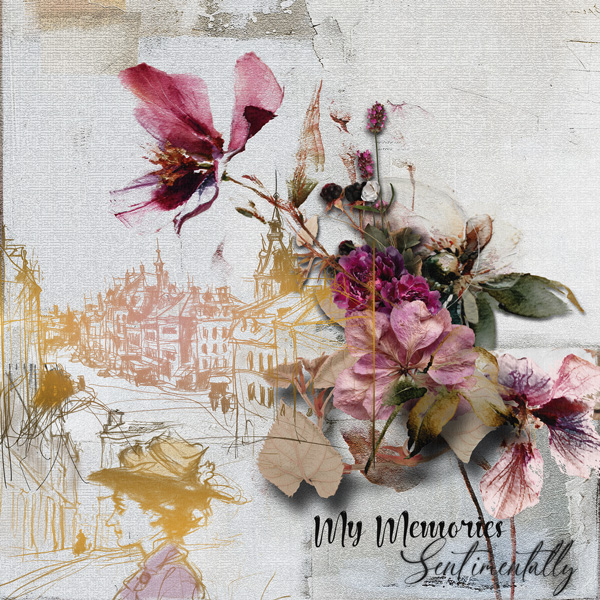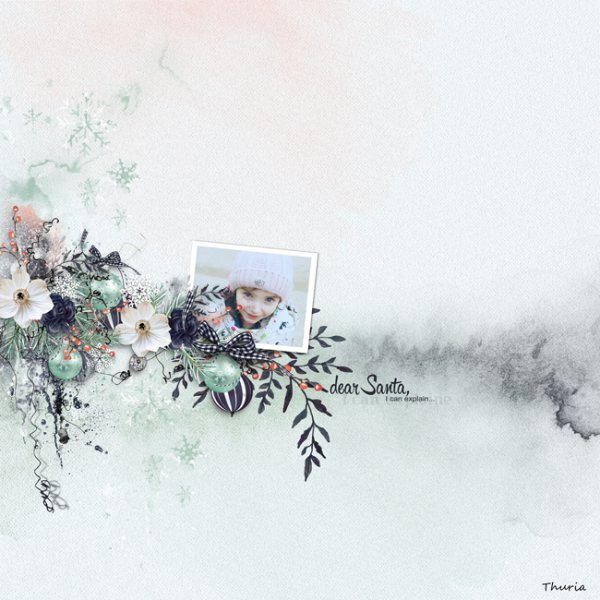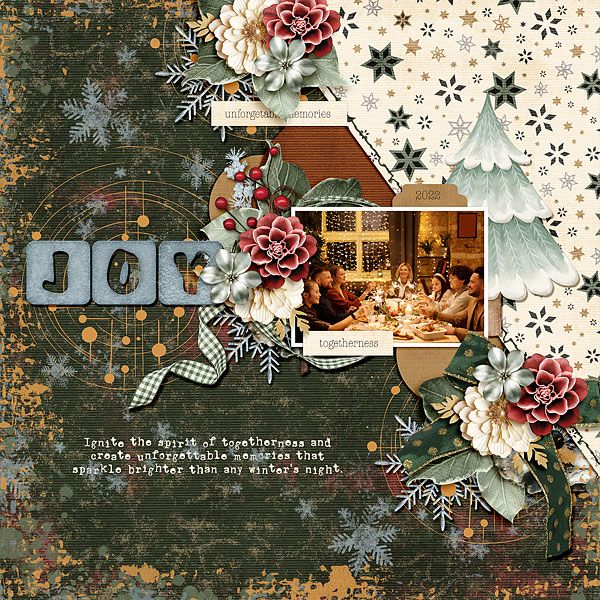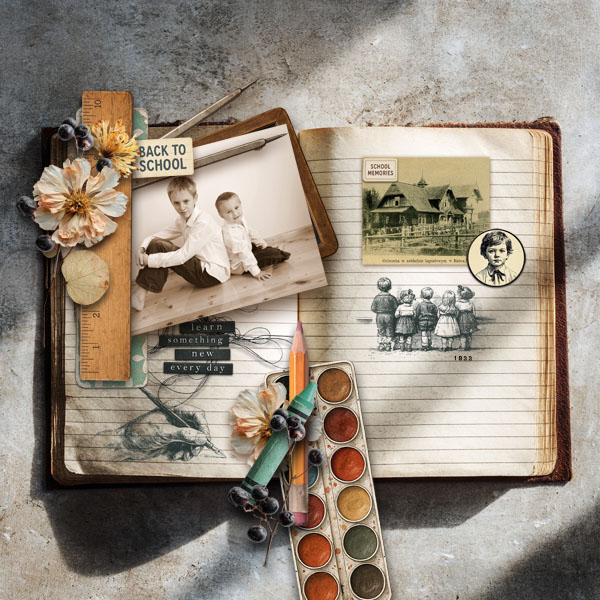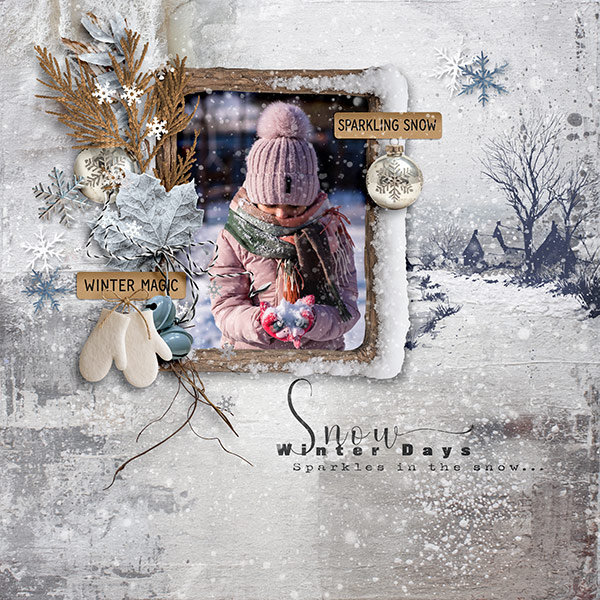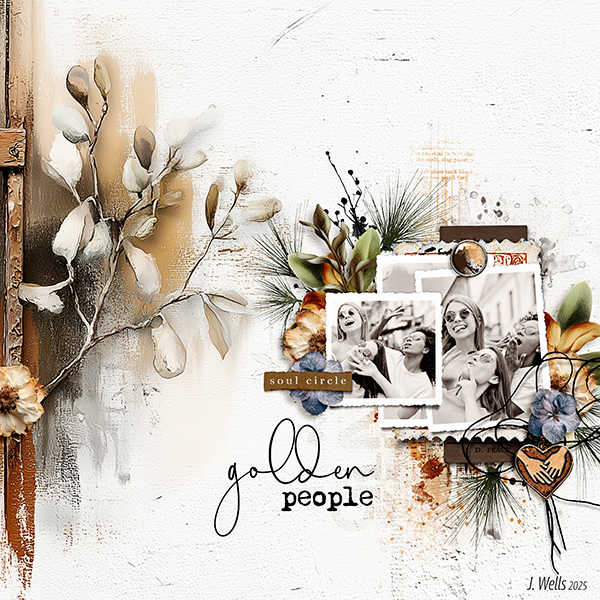



We all love receiving recognition, whether it’s at home from our family & friends or places like our PBP Community when we post our layouts. So, we’re inviting you to join us each month and share a little love with our PBP Scrapping Family!
As you scroll through our gallery, we’d like you to select layouts to add to our Layout Love (L♥L) monthly threads. Choose layouts that resonate with you and share them in a post in the L♥L thread. You can choose and post as many layouts as you wish each month, including your own!
Do you love the story they tell, their artistry, or the simplicity of the page? Did you try a new technique that you really enjoyed? Tell us about it! Be sure to link the layouts in our L♥L thread to the gallery so that we can go to the gallery to share a little love with the layouts you choose, too!
You can add the layouts to this thread in two ways:
Using the Gallery Embed Feature
In the L♥L thread, click on the Gallery Embed Icon in the menu bar (the little camera). This will open a pop-up window of the Gallery for you.
- Click on Other’s Media at the top of the pop-up window.
- Scroll until you see the layout you’ve selected, then click on it and click CONTINUE. If your layout isn’t on the pop-up page, click on MORE... and the gallery will load another page of layouts. Scroll through the pages until you find the layout you chose, then click to select it and click Continue.
- The layout will appear in your post in the L♥L thread, already linked, so all you have to do is tell us why you selected it.
- Go back to the layout in the gallery, and leave a comment on the layout to let them know that you gave them some Layout Love and link to your post in the L♥L thread. To do that, click on the share link icon at the top, right side of your post in the L♥L thread (three dots connected with lines) and click on the copy to clipboard icon to the left of the url in the pop-up window. Now just type something like “I gave you some Layout Love!” then highlight layout love, click on the chain link in the menu bar of your gallery comment and paste the url in the pop-up window. Hit Post comment and you’re done!
Find your layout in the gallery and right click on the full-sized layout you want to add to the L♥L thread, and select "copy".
Go into your post in the L♥L thread, click in the body of the message area, right click and select "paste". Now your image should show up.
To link your image to the gallery, just right click the image thumbnail in the gallery, select 'copy link' from the dropdown. (Alternately, you can copy the url at the top of the page the layout is shown full size on). Then, go back to the image in your forum post & highlight, then click the chain link in the menu bar and in the pop up window paste the link....then click on POST.
Go back to the layout in the gallery, leave a comment and let them know that you gave them some Layout Love! (See instructions on #5 above.)
If you need more help, check out these tutorials:
How do I include an image in my post?
How do I include a link in my post?
We will feature some of the layouts from our L♥L thread in our Newsletters. So, join us and help us spread some Layout Love!